Free
$0
For one team and one product.
- 1 portfolio
- 1 project
- 1 Scrum Team
- Up to 5 members
- Ad-supported. Ads sit below the fold and never inside a working surface.
A backlog, sprints on a Monday cadence, and Scrum Events that write their own notes. No workflow schemes, no admin console, no consultant.
Free for teams up to 5. No card.
By using a “Continue with” button, you agree to the End User License Agreement and confirm that you are 18 or older. The Privacy Policy explains how we handle your data.
Just looking? Explore the live demo, no account needed.
An item has a status and a phase. You define the phases once per project, in the order they are worked, and that is the whole configuration.
Eight capability bundles, granted by role and readable on one screen. A team role covers that team’s work, and a single per-person override is the only exception.
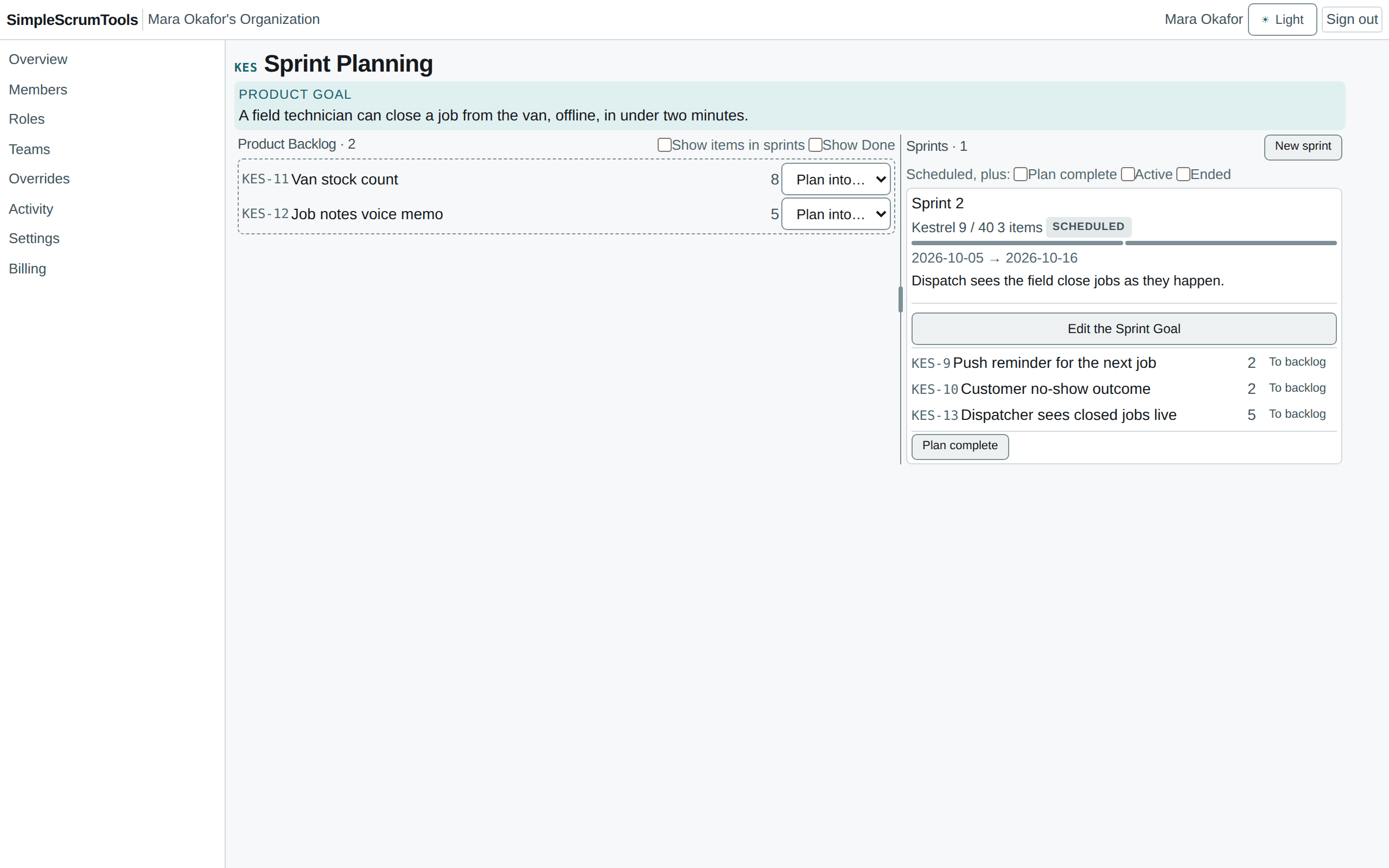
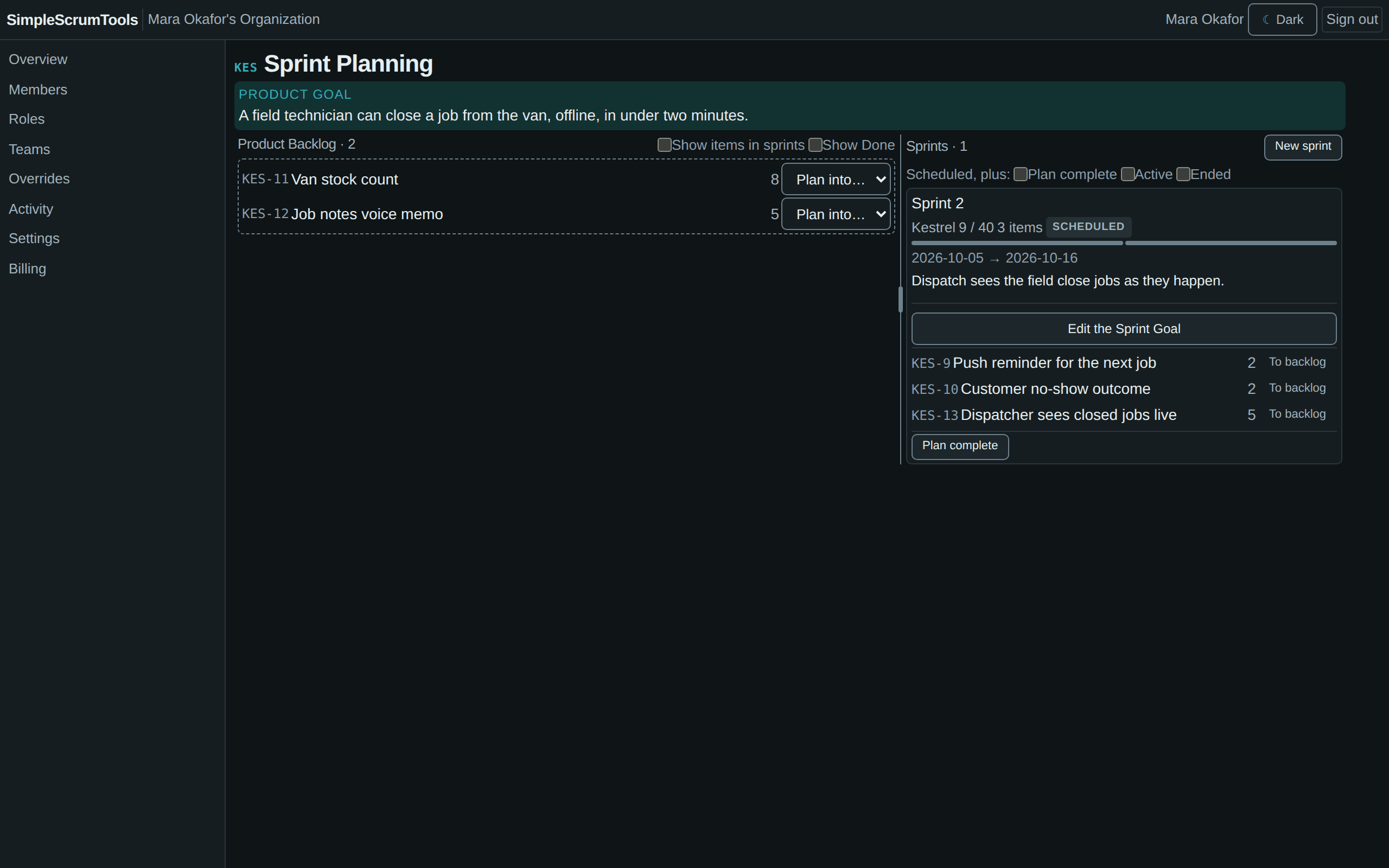
Sprints start on a Monday by default. Create a team, put it on a project, write the Sprint Goal, and plan.
Drag groomed items into the sprint. Capacity, blockers and oversize warnings show as you go; only a genuine invariant stops you.
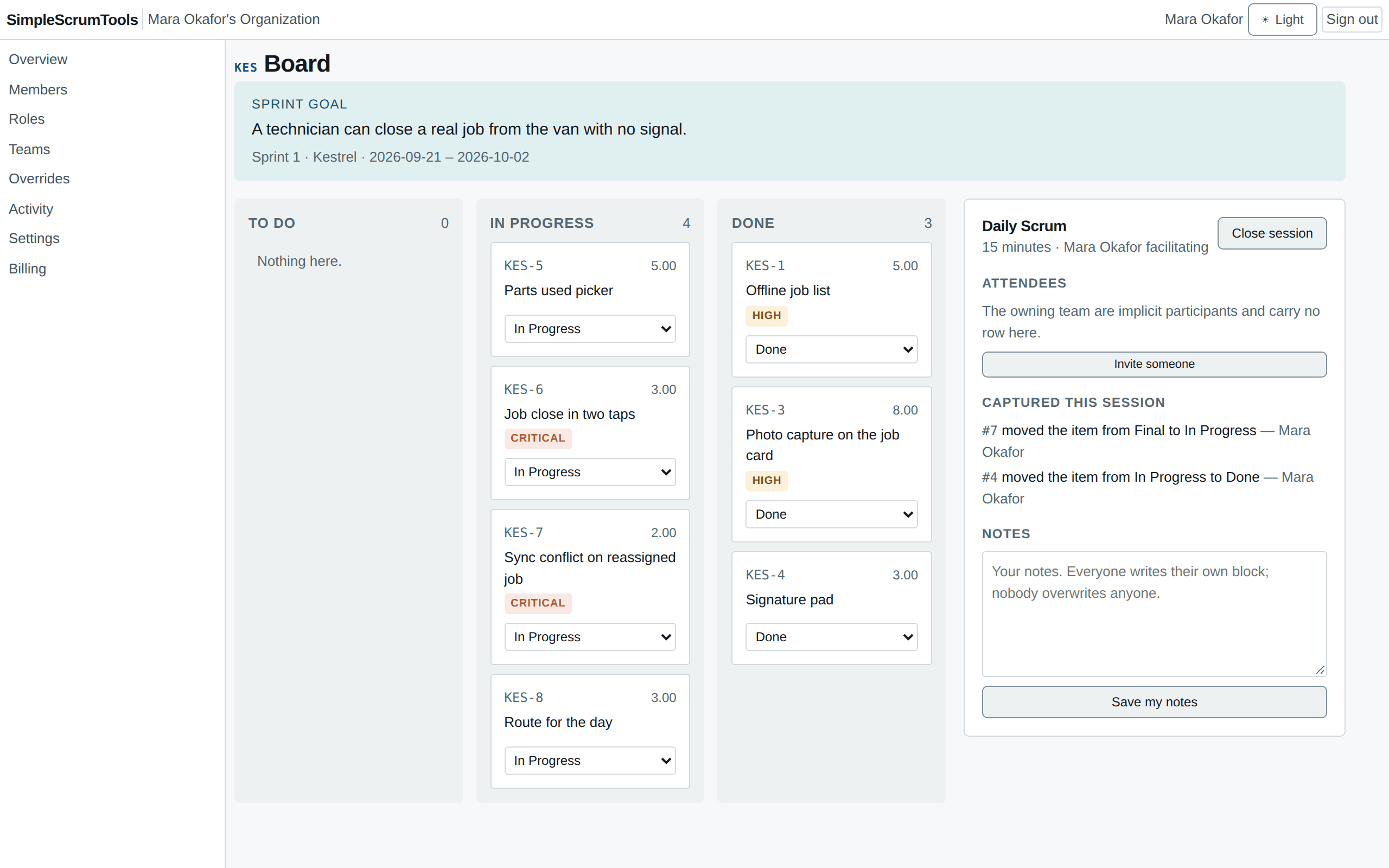
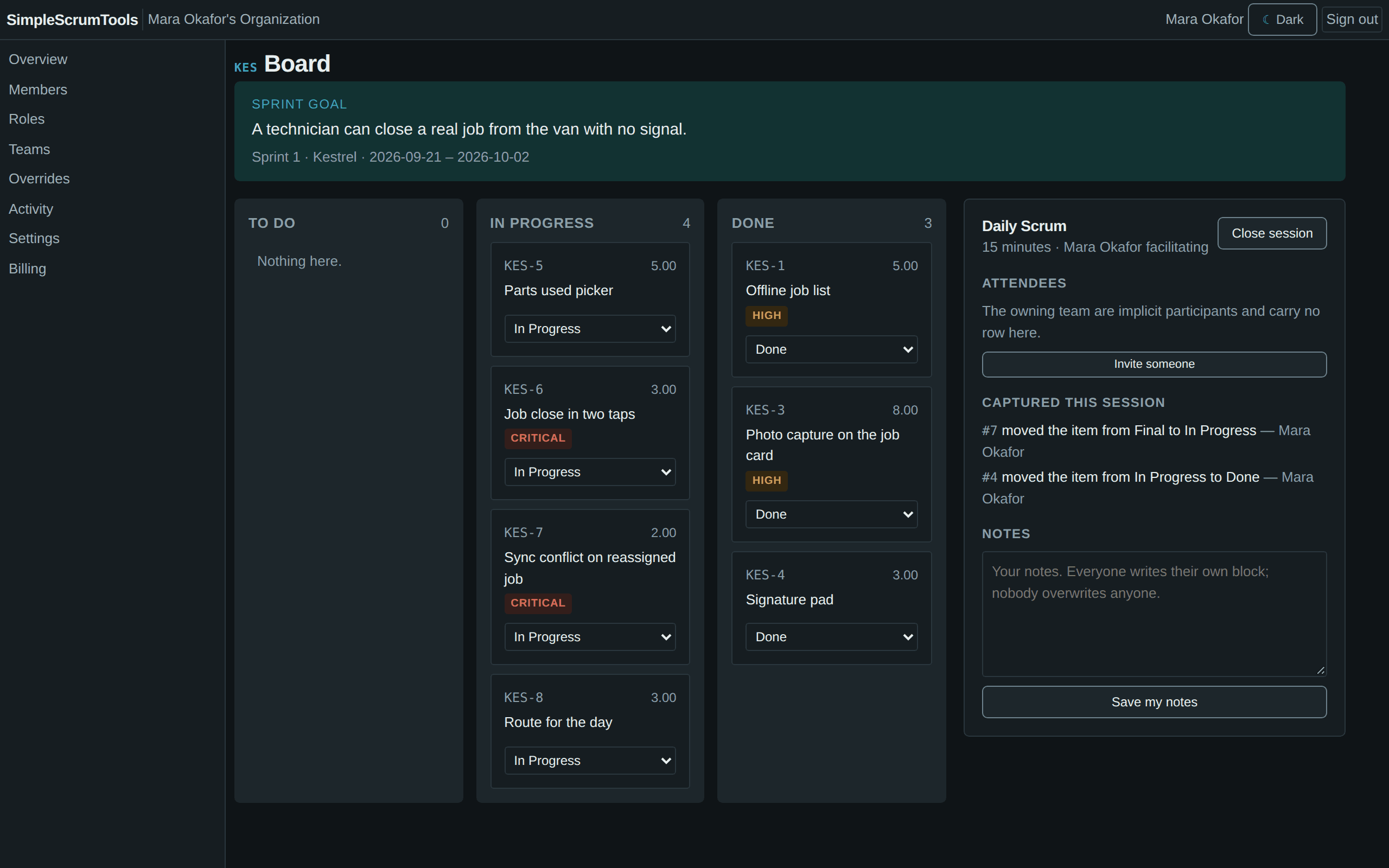
The board follows the active sprint. Moving a card is the status change, and the session records it.
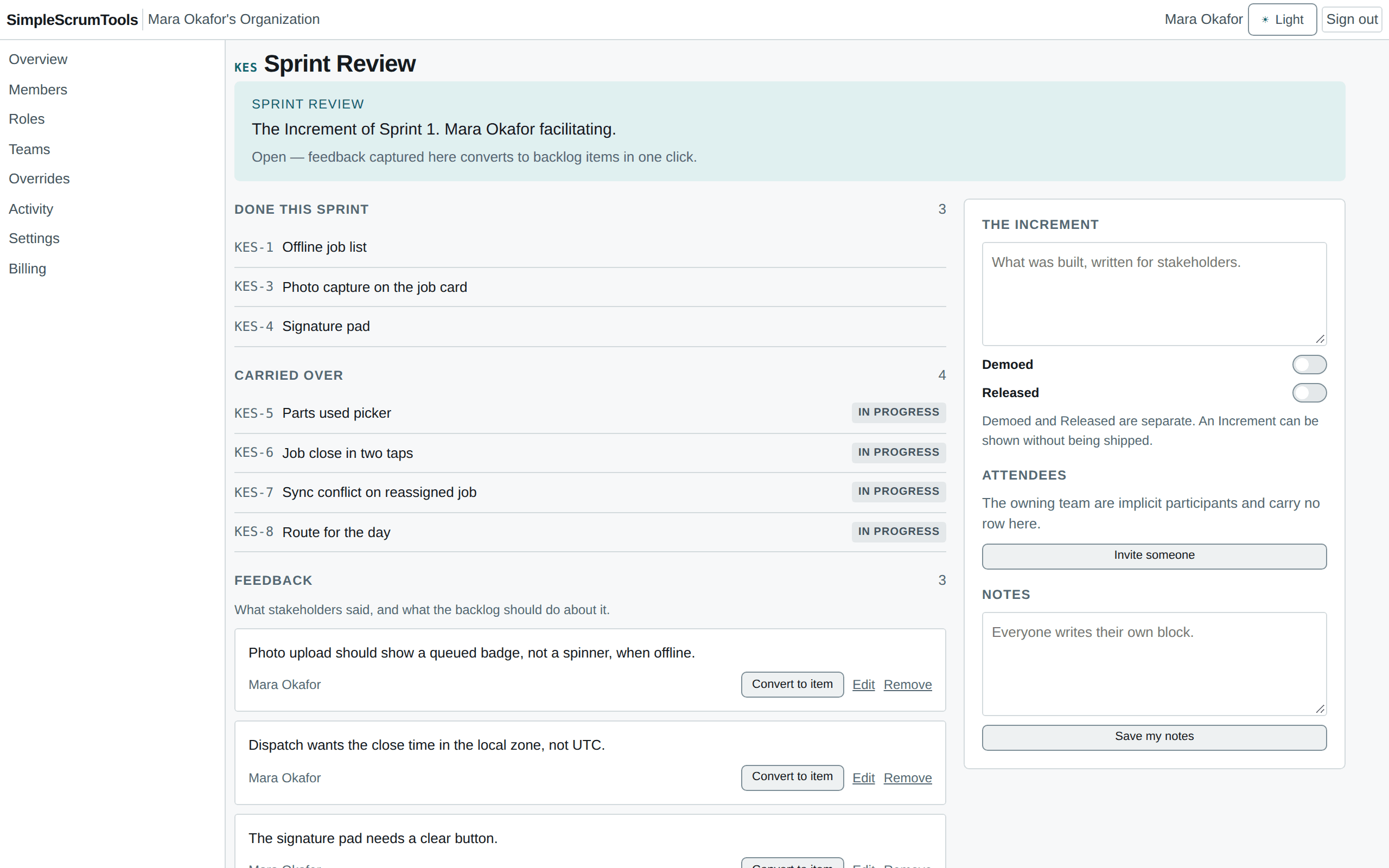
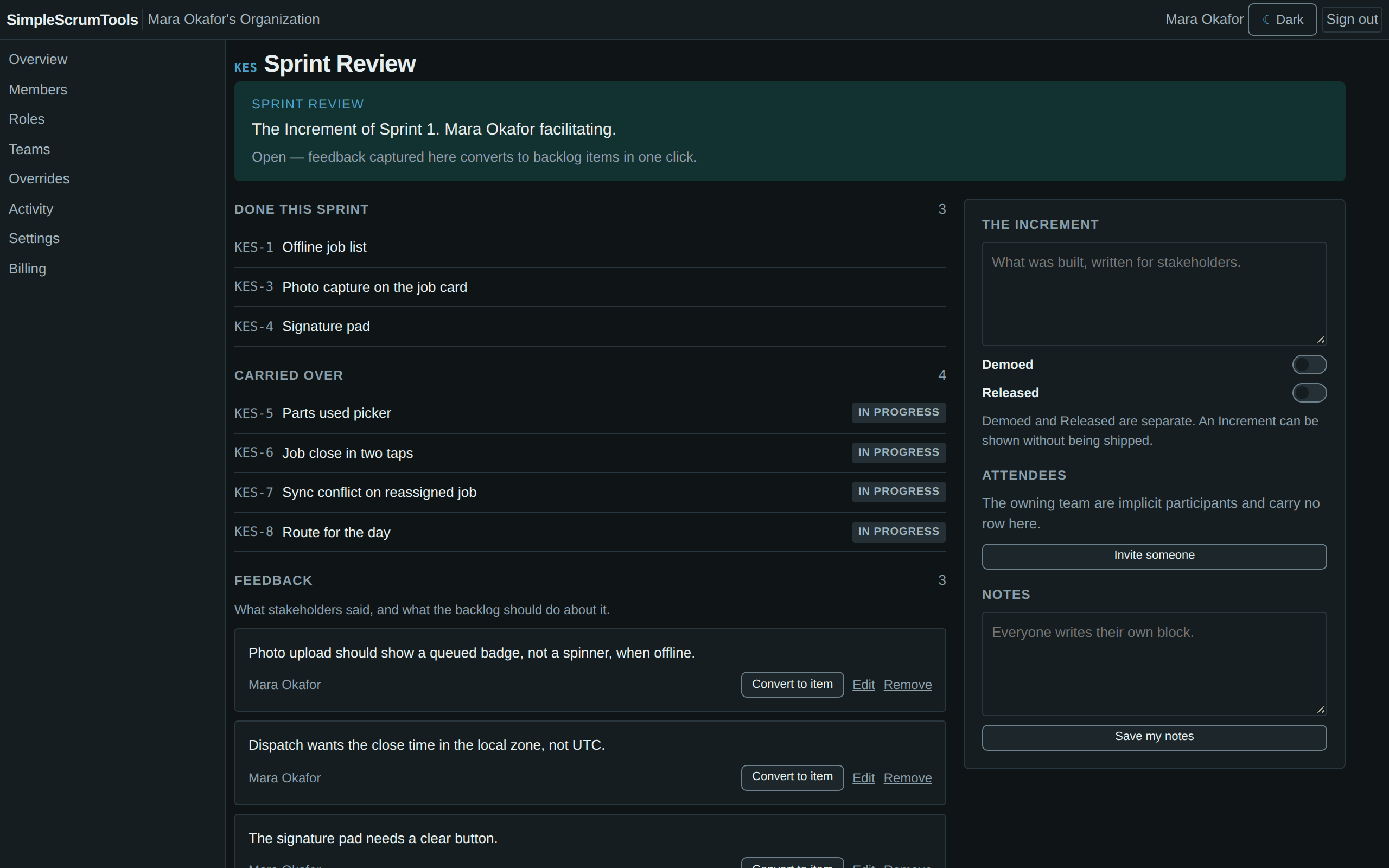
The Increment is a query over what is Done, not a list somebody maintains. Feedback becomes a backlog item in one click.
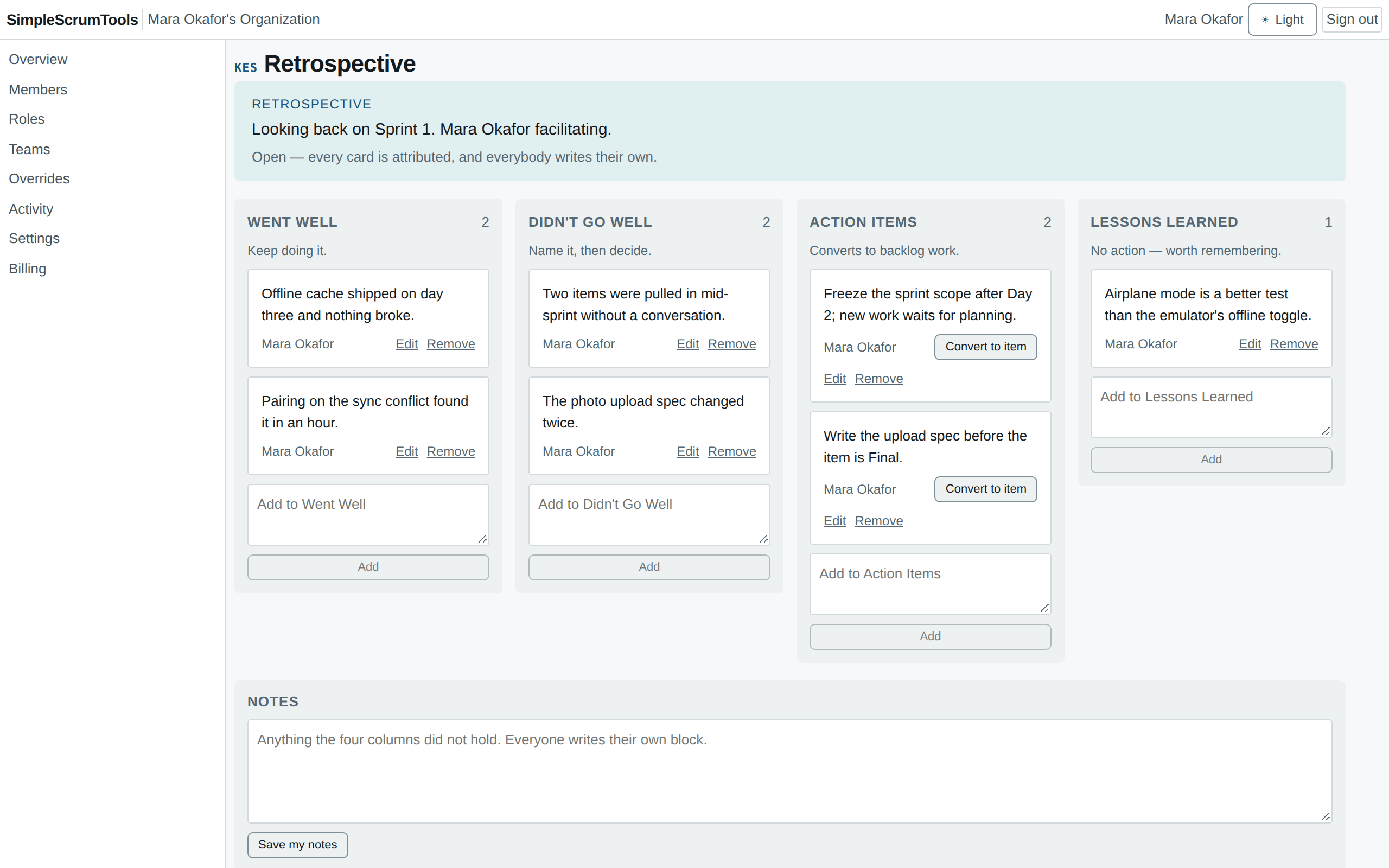
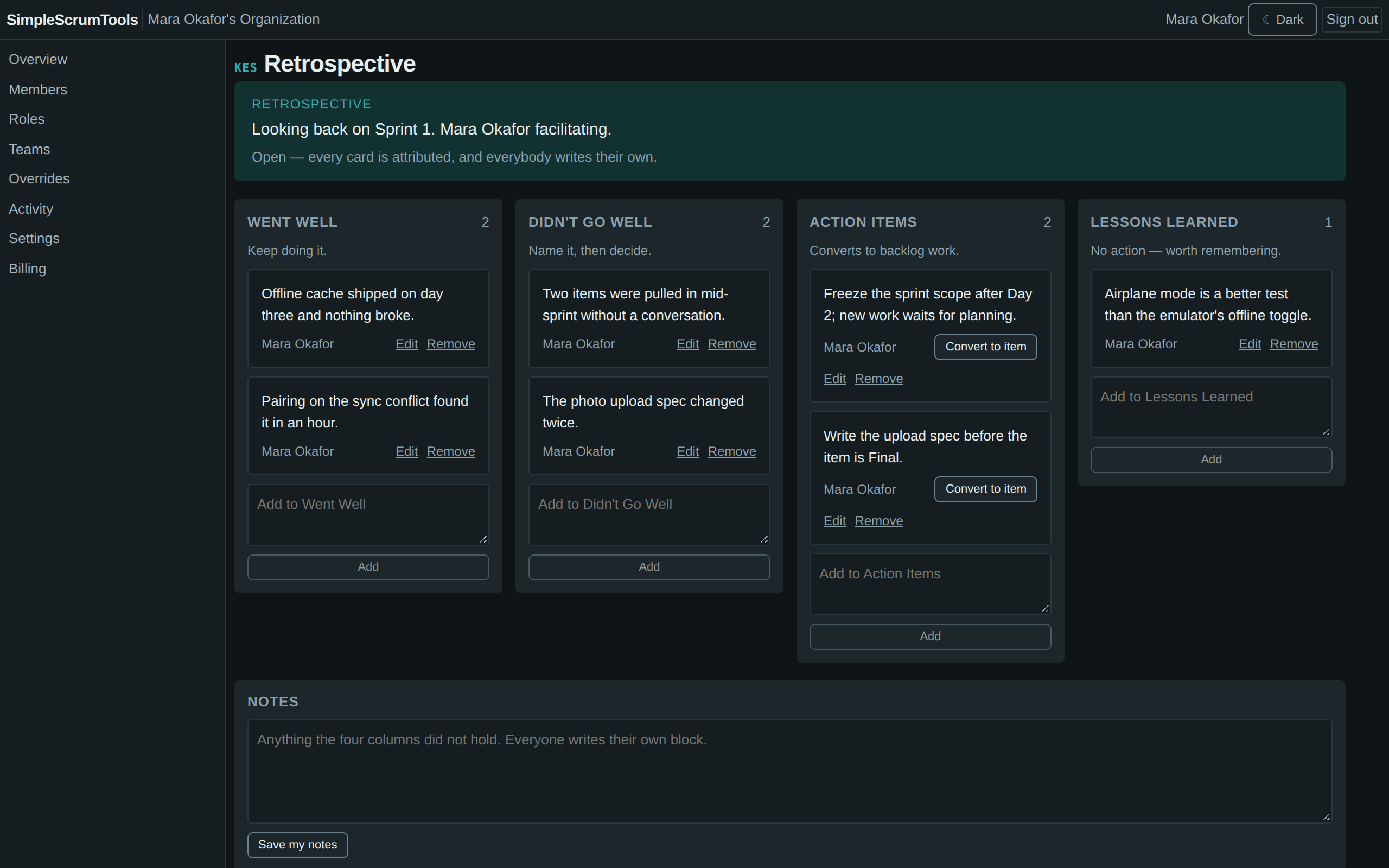
Four columns, everyone writing at once, no shared row to fight over. An action item becomes a backlog item in one click.
The sprint closes with a record of what moved where. Nobody typed it.
Not a kanban board with sprints bolted on. The product uses the Scrum Guide's vocabulary and means it.
$0
For one team and one product.
Coming soon
For an organization with several products.
Coming soon
For an organization with no limit on its size.
An organization over a cap keeps everything it has and is refused only growth.
Free for teams up to 5. No card.
By using a “Continue with” button, you agree to the End User License Agreement and confirm that you are 18 or older. The Privacy Policy explains how we handle your data.